Your IDE,
Now has an IDE.

Meridian is where you, your team and your AI agents think clearly about what you're building, in a collaborative documentation knowledge base designed for coders and product teams. Meridian lives with your code and never quietly goes stale. BYO AI with no vendor lock-in, and it works across any IDE and agentic application. Get started in seconds.


#
Core features


Effortlessly build and collaborate engineering docs that never stale
/plan /design /share /ideate Enhance your existing workflow in /meridians content-rich format. Never worry about docs going stale, share with your team to build with clarity.
Markdown is dying
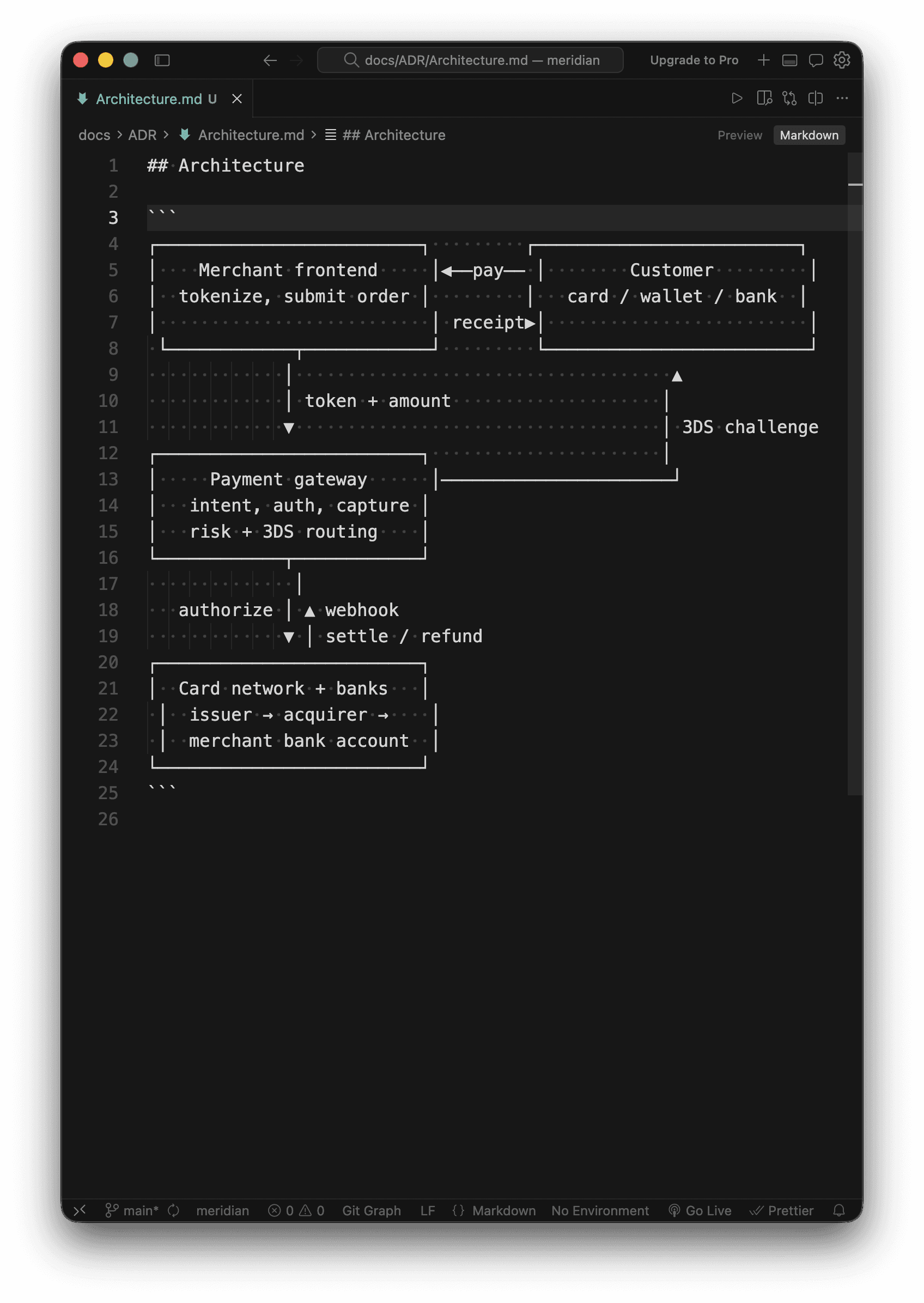
And the people killing it built Claude Code. Working in md has become default practice for engineers in the AI era but AI and humans prefers HTML and that's why Claude and Meridian is built on top of it.





Stickies
Create To-do lists, execute Github commands, run your dev env, run workflows and spin up terminals all from Stickies.
Save Tokens
Without a doc, engineers pay an agent to re-explain the system every time they ask. It re-reads the repo, works out what someone already worked out, and charges for it again next week. With Meridian the doc is already there to read.


><
Meridian Compares
Methodology: public survey scored 0-100 against core expectations of SMB and enterprise engineering teams. Gold marks the leading product on each expectation.
$
Pricing
Build
1-10 developers
For the first year. First month free. USD.
- +Docs, stickies and code references that stay fresh
- +MCP for Claude, Codex and Cursor
- +Billed per GitHub organization
- +Cancel anytime
Grow
11-50 developers
For the first year. First month free. USD.
- +Docs, stickies and code references that stay fresh
- +MCP for Claude, Codex and Cursor
- +Billed per GitHub organization
- +Cancel anytime
Scale
50+ developers
Enterprise pricing and support.
- +Everything in Grow
- +Volume pricing for large orgs
- +A direct line to the team
Installing Meridian is free. A subscription covers your GitHub organization: connect your organization in the app, then subscribe from its Billing settings. A card is required to start the free month; the first charge is at the end of it.
Try Meridian
Install in seconds.
Start immediately.